
- June 28, 2025
- by keerthivasan
- design
- 0 Comments
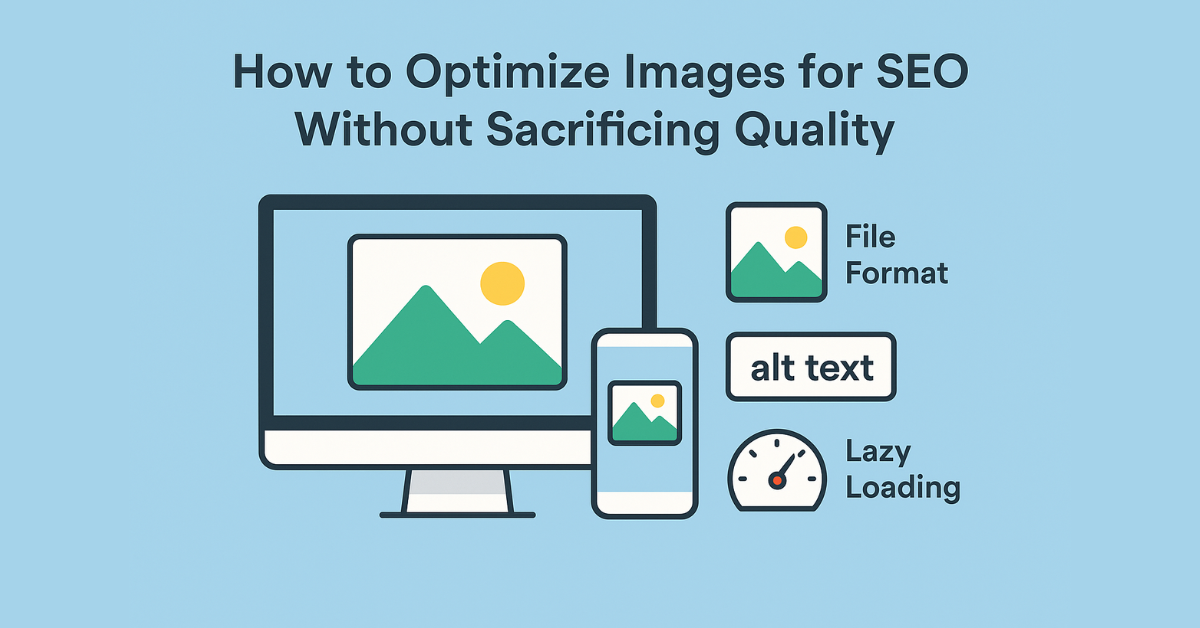
Images make your website visually appealing and engaging. But if not optimized properly, they can slow down your site and hurt your SEO. The good news is that you can optimize images for SEO without losing quality. Let’s explore how.
Why Image Optimization Matters for SEO
Image optimization helps your website:
- Load faster
- Perform better on mobile devices
- Improve user experience
- Appear in Google Image Search
- Help search engines understand your content
1. Choose the Right File Format
Different formats serve different purposes:
- JPEG (JPG): Best for photos and detailed images. Small file size with good quality.
- PNG: Ideal for images with transparency or simple graphics. Slightly larger file size.
- WebP: Modern format that offers high quality with better compression. Great for websites.
Tip: Use tools like TinyPNG or Squoosh to compress images before uploading them.
2. Use Descriptive File Names
Rename image files before uploading. Instead of:
IMG_1234.jpg
Use:
modern-logo-design.jpg
This helps search engines understand the image content.
3. Add Alt Text (Alternative Text)
Alt text is a description of your image. It helps both users with screen readers and search engines.
Example:
Responsive website layout on desktop and mobile screens
Keep it short, relevant, and include important keywords if possible.
4. Resize Images to Match Display Size
Don’t upload large images if they will appear small on your page. For example, if your layout shows an image at 800×600 pixels, avoid uploading a 4000×3000 image.
Resize using tools like Canva, Photoshop, or online resizers.
5. Compress Images Without Losing Quality
Large image files slow down your site. Compression reduces file size without noticeably affecting quality.
Recommended tools:
6. Use Lazy Loading
Lazy loading makes images load only when they are about to appear on the screen. This improves page speed.
WordPress 5.5+ includes lazy loading by default. You can also use plugins like a3 Lazy Load for extra control.
7. Create and Submit an Image Sitemap (Optional)
If your site relies heavily on images (e.g., portfolios or stores), consider an image sitemap to help Google index your visuals.
Options:
- Add images manually to your sitemap
- Use plugins like Yoast SEO or Rank Math to do it automatically
Conclusion
Optimizing images improves your site’s speed, SEO, and overall user experience. By choosing the right format, compressing images, using alt text, enabling lazy loading, and maintaining good file names, you can create a website that is both fast and search-engine-friendly — without sacrificing visual quality.
