- July 8, 2025
- by keerthivasan
- SEO
- 0 Comments
When it comes to improving your search rankings and click-through rates, title tags and meta descriptions are essential. They are the first things users see in search engine results — your chance to make a great first impression.
In this guide, you’ll learn what they are, why they matter for SEO, and how to write title tags and meta descriptions that rank well and attract clicks.
What Are Title Tags and Meta Descriptions?
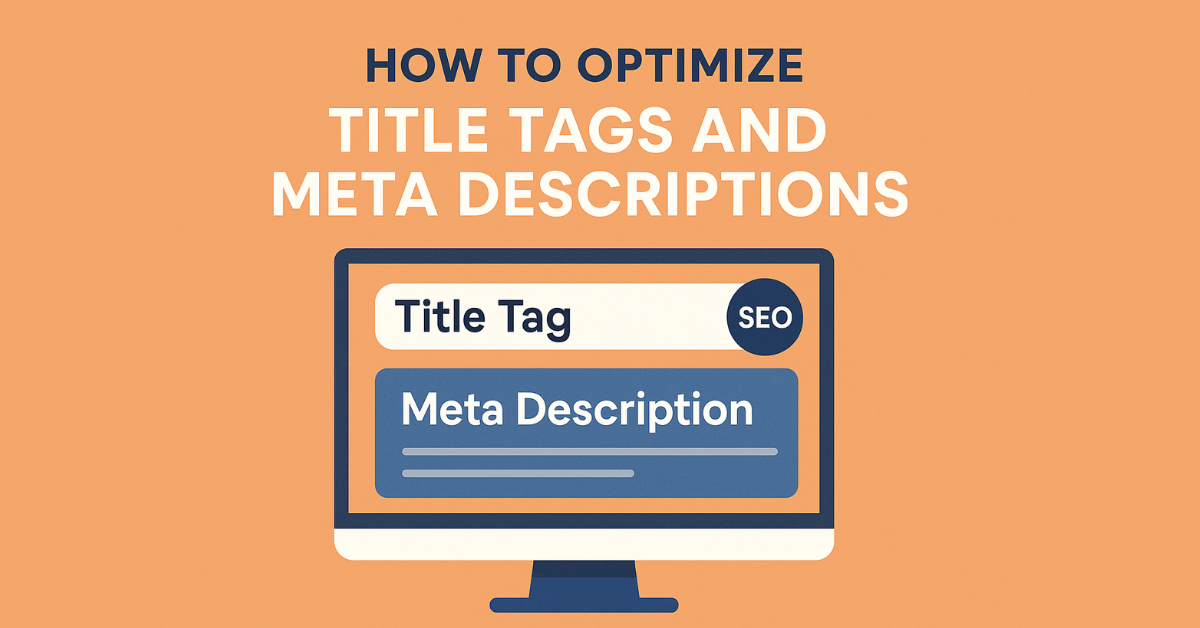
- Title Tag: The clickable headline of a page shown in search engine results. It also appears in browser tabs and social media previews.
- Meta Description: A short summary (usually under the title) that describes the page content. It influences whether users click your link.
Example in Google search results:
Title Tag: How to Write SEO-Friendly Blog Posts | YourSite.com
Meta Description: Learn how to write SEO-optimized blog content that ranks, engages, and converts — with tips, examples, and best practices.
Why Are They Important for SEO?
✅ Title Tags Help Search Engines Understand the Page
A well-written title tag tells search engines what your page is about and includes the primary keyword.
✅ Meta Descriptions Influence Click-Through Rates
While not a direct ranking factor, compelling meta descriptions improve click-through rate (CTR), which can indirectly boost rankings.
✅ Better User Experience
Clear, relevant tags and descriptions build trust and set the right expectations for what your content delivers.
How to Optimize Title Tags (Step-by-Step)
1. Include Your Target Keyword
Use your main keyword as early in the title as possible.
Example:
Social Media Marketing Tips for Small Businesses | YourSite.com
2. Keep It Under 60 Characters
Google typically displays the first 50–60 characters of a title tag. Longer titles may get cut off.
3. Make It Descriptive and Clear
Avoid vague or misleading headlines. Make sure the title accurately reflects the content.
4. Add Your Brand (Optional)
For brand awareness, include your site or business name at the end.
Format Example:
SEO Basics for Beginners | YourBrand
5. Use Power Words (But Don’t Overdo It)
Words like “Best,” “Ultimate,” “Guide,” “Fast,” or “Step-by-Step” can boost CTR if they match user intent.
How to Optimize Meta Descriptions
1. Summarize the Page Clearly
Use 1–2 concise sentences to describe what the page is about.
2. Keep It Under 160 Characters
Google typically shows up to 155–160 characters in search results.
3. Include Keywords Naturally
Don’t keyword-stuff, but include the target keyword and related terms where appropriate.
4. Write for Users, Not Just Algorithms
Meta descriptions should be easy to read and encourage clicks. Think of them as ad copy.
Good Example:
Learn how to write strong title tags and meta descriptions that improve SEO and drive more clicks — with real examples and tools.
5. Make Each One Unique
Avoid duplicate titles and meta descriptions across pages. Each should reflect the specific content of that page.
Common Mistakes to Avoid
- Titles that are too long or too short
- Duplicate title/meta across multiple pages
- Stuffing too many keywords
- Clickbait titles that don’t match the content
- Missing or blank title/meta fields
Best Practices Recap
| Element | Best Practice |
| Title Tag | Under 60 characters, includes keyword early |
| Meta Description | Under 160 characters, describes the page clearly |
| Both | Unique, readable, and optimized for click-through |
Conclusion
Optimizing your title tags and meta descriptions is one of the simplest — yet most powerful — ways to improve your website’s SEO. They help search engines understand your content and persuade users to visit your site. Start by reviewing your existing pages, update weak or missing tags, and craft compelling titles and descriptions that grab attention in search results. It’s a small change that can make a big difference.