To Grow Marketing Logo To Grow Marketing Logo
  • Home
  • About
  • Services
    • Marketing Audit & Consultation
    • Social Media Marketing
    • Pay per click
    • Content Marketing
    • Search Engine Optimization
  • Blog
  • Contact
  • Courses
To Grow Marketing Logo
  • Home
  • About
  • Services
    • Marketing Audit & Consultation
    • Social Media Marketing
    • Pay per click
    • Content Marketing
    • Search Engine Optimization
  • Blog
  • Contact
  • Courses
To Grow Marketing Logo
  • Home
  • About
  • Services
    • Marketing Audit & Consultation
    • Social Media Marketing
    • Pay per click
    • Content Marketing
    • Search Engine Optimization
  • Blog
  • Contact
  • Courses

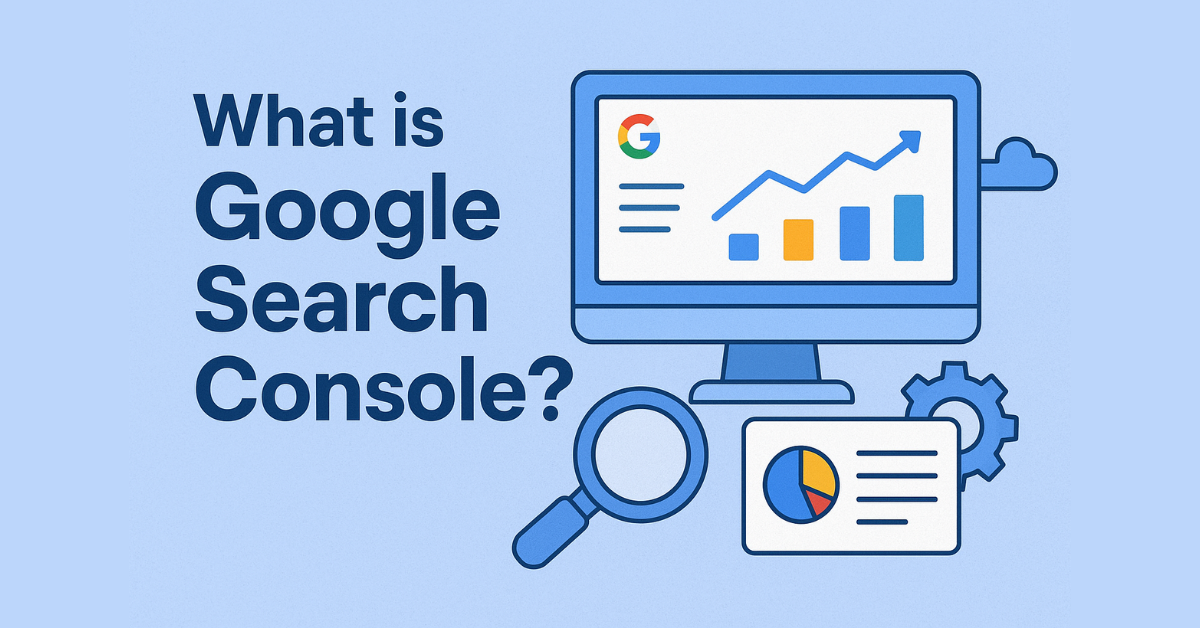
What is Google Search Console?

  • Home
  • SEO
  • What is Google Search Console?
What is Google Search Console?
  • September 28, 2025
  • by keerthivasan
  • SEO
  • 0 Comments

If you want your website to get more traffic from Google, you need to know how it performs in search results. That’s where Google Search Console (GSC) comes in.

Google Search Console is a free tool from Google that helps website owners, businesses, and digital marketers monitor their site’s performance in Google Search. Think of it as a report card for your website — it shows what’s working, what needs fixing, and how people are discovering your content.

Why Do We Use Google Search Console?

Many beginners ask, “Why should I use this tool?” The answer is simple:

  • It helps you see how your website performs in Google Search.
  • It tells you which keywords bring visitors to your site.
  • It alerts you about technical errors that affect SEO.
  • It shows whether your website is mobile-friendly and loads fast.
  • It gives insights to improve your online visibility.

In short, GSC is not just for SEO experts. Even small business owners and beginners can use it to grow their website traffic.

Key Features of Google Search Console

Here are some important features you’ll find inside GSC:

1. Search Performance Report

See which keywords your audience is using to find your website. You can check:

  • How many times your website appeared in search results (impressions)
  • How many people clicked your link (clicks)
  • Your average position in Google Search
  • Click-through rate (CTR)

This data helps you understand what content works best and where you need to improve.

2. Index Coverage

Find out whether Google is indexing all your important web pages. If some pages have errors, GSC will notify you so you can fix them.

3. Mobile Usability

With most users browsing on mobile, GSC shows if your website is mobile-friendly or if there are issues like text being too small or buttons being too close together.

4. Page Experience & Core Web Vitals

Check how fast your site loads and whether it provides a smooth experience for users. A website with good speed and stability ranks better in Google.

5. Sitemap Submission

Upload your sitemap to GSC so Google can easily discover and crawl all your website pages.

6. Security & Manual Actions

If your website faces issues like malware or hacking, GSC will alert you. It also informs you if your site violates Google’s guidelines.

Benefits of Using Google Search Console

Using GSC provides many advantages, such as:

  • Better SEO planning – Know which keywords bring in traffic.
  • Fixing issues quickly – Identify and solve errors before they hurt your ranking.
  • Improved visibility – Make sure all key pages are indexed.
  • User insights – Understand how people search before landing on your site.
  • Completely free – It costs nothing but gives powerful results.

How to Get Started with Google Search Console

  1. Go to Google Search Console.
  2. Sign in using your Google account.
  3. Add your website (property).
  4. Verify ownership (using DNS, HTML file, or Google Analytics).
  5. Start tracking performance and fixing issues.

Final Thoughts

Google Search Console is one of the most powerful free tools every website owner should use. Whether you run a business website, blog, or e-commerce store, GSC helps you track performance, fix technical issues, and improve your visibility on Google.

If you want to grow your traffic, improve your SEO, and build a strong online presence, using Google Search Console is a must.

Previous

Google Tag Manager Metrics

Next

AI vs Human Creativity: Can Machines Design Better?

AI vs Human Creativity illustration with robot and human designing.

Leave a Comment Cancel reply

Your email address will not be published. Required fields are marked *

Categories

  • ai (32)
  • Business (33)
  • Content (39)
  • design (30)
  • Paid Media (25)
  • SEO (89)
  • Uncategorized (23)

Recent Posts

SEO vs Paid Ads: Which Works Better for New Businesses?
January 18, 2026
SEO vs Paid Ads: Which Works
A conceptual illustration showing a balance scale weighing AI technology against human ethics, symbolizing the importance of trust and transparency in modern marketing.
January 9, 2026
Ethics of AI in Marketing: What
Illustration showing common technical SEO mistakes like slow page speed, mobile optimization issues, broken links, and robots.txt errors that hurt website search rankings
January 8, 2026
Technical SEO Mistakes Hurting Your Rankings
How AI Tools Are Transforming Digital Marketing Workflows
December 30, 2025
How AI Tools Are Transforming Digital
December 29, 2025
Using GPT-Style AI to Scale Content

Archives

  • January 2026
  • December 2025
  • November 2025
  • October 2025
  • September 2025
  • August 2025
  • July 2025
  • June 2025
  • May 2025
  • February 2025
  • August 2019

Tags

#MobileSEO #SEOMistakes #DigitalMarketing #MetaTags #HyperlinkBestPractices #MobileOptimization 2025 Marketing Trends AdTech2025 AIPaidAds Analysis Analytics Artificial Intelligence B2B Marketing B2C Marketing Best Digital Marketing Certifications Career in Digital Marketing color choices in branding Color Psychology in Digital Marketing Content Creation Data Tracking Digital Marketing Digital Marketing 2025 Digital Marketing Career Digital Marketing India DigitalMarketingIndia Digital Marketing Safety Digital Marketing Tools digitalmediaROI Freelance Digital Marketing GA4 Google Ads Google Analytics Google search trends Google Tag Manager importance of colors in marketing India2025 influencer marketing Local SEO LocalSEO marketing tool Meta Ads On-Page SEO Online Ads PaidAds Regional Ads SEO SEO 2025 SmallBiz WebTracking zero-click searches
  • shape1
  • shape2
  • shape3
  • shape4
  • shape5
  • shape6
  • shape7

Newsletter SignUp!

    At To Grow Marketing, we understand that today's audience is fast-paced and easily distracted. That’s why we craft simple, engaging, and results-driven marketing strategies that blend creativity with functionality to drive real growth.

    Services

    • Marketing Audit & Consultation
    • Social Media Marketing
    • Pay Per Click
    • Content Marketing
    • Search Engine Optimization

    Office Address

    • Kamaraja Nagar, Avadi
    • +91-7200070191
    • togrowmarketing@gmail.com
    © Copyright To Grow Marketing 2025. Designed and Developed by RadiusTheme
    To Grow Marketing Logo
    • Home
    • About
    • Services
      • Marketing Audit & Consultation
      • Social Media Marketing
      • Pay per click
      • Content Marketing
      • Search Engine Optimization
    • Blog
    • Contact
    • Courses
    Follow Us
    To Grow Marketing Logo
    Dec 21 - DM Course - Rs. 99
    • Home
      • Home 2
      • Home 3
    • About
      • About Us
      • About Us 2
    • Case Study
      • Case Study 1
      • Case Study 2
      • Case Study 3
      • Case Study 4
      • Case Study 5
    • Elements
      • Blog
        • Blog Post 1
        • Blog Post 2
        • Blog Post 3
        • Blog Post 4
        • Blog Post 5
        • Blog Post 6
      • Service
        • Courses
        • Service Gallery 2
        • Service Gallery 3
        • Service Gallery 4
        • Service Gallery 5
      • Team
        • Team Gallery 1
        • Team Gallery 2
        • Team Gallery 3
      • Testimonial
        • Testimonial – 1
        • Testimonial – 2
        • Testimonial – 3
      • Contact Info Box
        • Contact Info Box 1
        • Contact Info Box 2
      • Info Box
        • Info Box 1
        • Info Box 2
        • Info Box 3
      • Miscellaneous
        • Brand Showcase
        • Counter 1
        • Progress Bar
        • Progress Box Image
        • Radius Button
        • Section Title Subtitle
      • Pricing
        • Pricing Plan 1
        • Pricing Plan 2
        • Pricing Plan 3
        • Pricing Plan 4
        • Pricing Plan 5
    • Pages
      • Service
        • Service Archive
        • Single Service
      • Case Study
        • Case Study Archive
        • Single Case Study 2
        • Single Case Study 3
      • Team
        • Team Gallery 1
        • Team Gallery 2
        • Team Gallery 3
      • Typography
      • 404 Error
    • Blog
      • Blog 1
      • Blog 2
      • Blog 3
      • Single Blog Post
    • Contact
    Follow Us